
Serving Static Files in Express
Mar 12, 2020
Express has a built-in middleware for serving static files from a directory. For example, suppose you have a public directory that contains files like images, CSS, and HTML.
$ ls -l public/
total 48
-rw-r--r--  1 ubuntu  ubuntu   1666 Mar 12 14:17 home.css
-rw-r--r--@ 1 ubuntu  ubuntu  17092 Mar 12 14:17 logo.png
$
You can use the express.static middleware to make it possible to access files from this folder via HTTP.
const express = require('express');

const app = express();
app.use(express.static('./public'));

app.listen(3000);
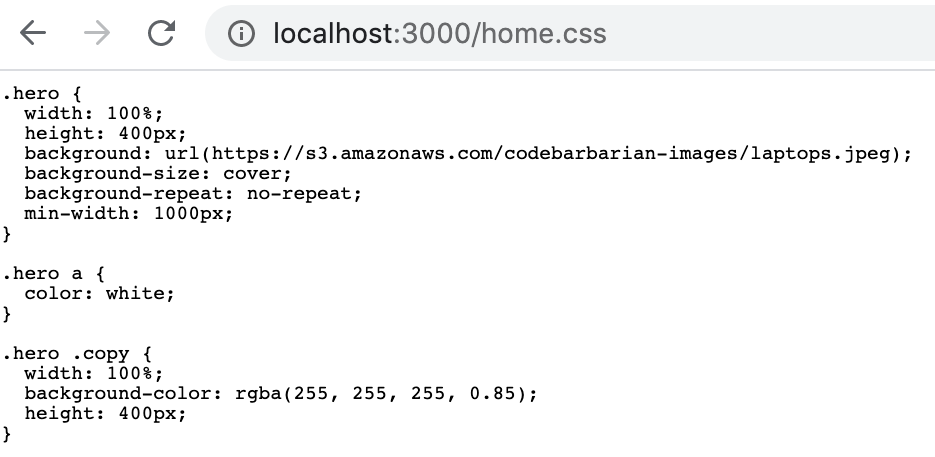
With the above script, you can open http://localhost:3000/home.css in your browser and see the CSS file.
Serving HTML Files
The static middleware is how you can use Express to serve static HTML files. If you have a vanilla HTML file test.html, you can open that file in your browser and the browser will render the HTML.

This means that you can use express.static() to host an entire frontend web app, including JavaScript, CSS, images, and HTML.
Built an Express app and want to deploy it?
We recommend Railway. It lets you deploy Node.js and Express apps without dealing with servers, Docker, CI/CD pipelines, or infrastructure. Click button, select GitHub repo, get URL. We've been using Railway for years to spin up apps quickly.
Deploy your Express app on Railway in minutes

We recommend Railway. It lets you deploy Node.js and Express apps without dealing with servers, Docker, CI/CD pipelines, or infrastructure. Click button, select GitHub repo, get URL. We've been using Railway for years to spin up apps quickly.
Deploy your Express app on Railway in minutes
Did you find this tutorial useful? Say thanks by starring our repo on GitHub!